
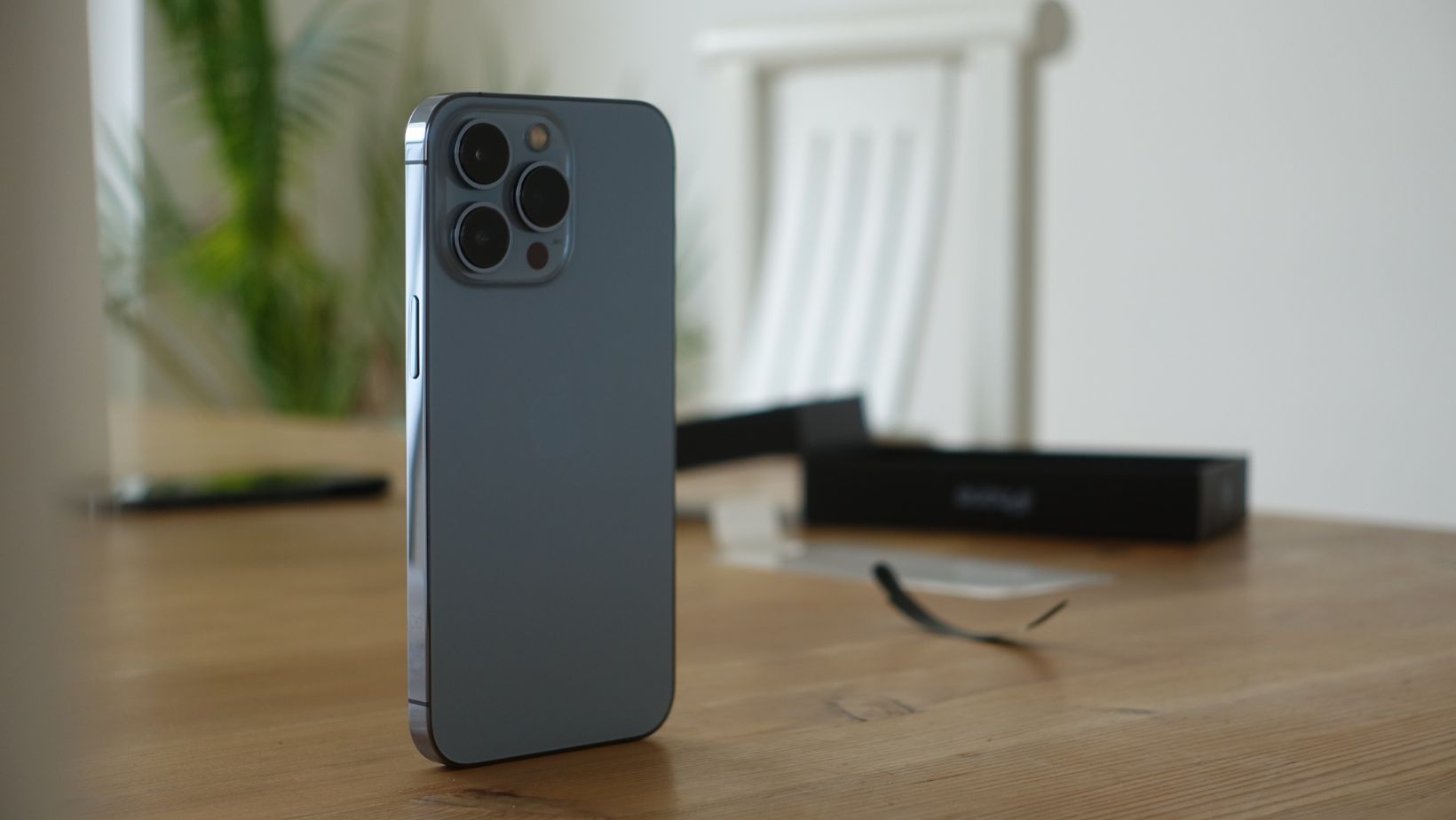
If you strip away the buzzwords, a NSFW girl generator is just an AI image tool that makes high-detail pictures from text prompts — only the content is adult. From the iPhone’s point of view, that’s no different from any other heavy image or AI art app: lots of big pictures, fast rendering, and a screen you’ll stare at close-up.
So the real question isn’t “Which iPhone is the most horny?”
It’s: “Which iPhones give the best mix of speed, display quality, storage and privacy for this kind of AI image use?”
One example of this type of tool is a browser-based generator Joi, where the heavy AI work runs on remote servers while your iPhone handles the interface and viewing.
Below is a practical, device-focused guide — not moral judgement, just tech.
What Actually Matters for NSFW AI Image Use
Whether you use a web generator or a native app, four things matter most:
- Display quality
You’re looking at skin tones, lighting, fine details and subtle textures. A good HDR OLED screen with high brightness and contrast makes a bigger difference than people realise. - Performance & RAM
- If the generator runs in the cloud, your phone is mostly dealing with UI and image rendering. Any recent iPhone is fine; newer ones just feel smoother.
- If the app does on-device generation (some do), then the chip and RAM become critical.
- Storage
High-res AI images add up fast. A handful of 4K pictures can be tens or hundreds of megabytes. If you like to keep sets, 128 GB can suddenly feel small. - Battery & thermals
Endless generating + 5G + full brightness = a hot phone and a dead battery. Efficient chips and bigger batteries help a lot.
Compatibility is the easy part: many AI art apps on the App Store work on iOS 15.6–16.0 and up, which means anything from roughly iPhone XR / 11 era onwards can run them.
Top Tier: iPhone 16 Pro / 16 Pro Max (and Successors)
If you want the best possible experience today, the Pro-class iPhones from the 16 generation and newer are essentially perfect overkill.
Key points for the iPhone 16 Pro / Pro Max:
- A18 Pro chip + 8 GB RAM
Plenty of power for any browser-based generator and enough headroom for future on-device AI features Apple is rolling out through its Foundation Models / Apple Intelligence stack. - 6.3″ / 6.9″ OLED, 120 Hz ProMotion
Super Retina XDR OLED with adaptive refresh up to 120 Hz, HDR, ~2000 nits peak outdoor brightness.
Translation:- animations feel silky,
- highlights and shadows in images look more “photographic”,
- you can actually see details even in sunlight.
- Plenty of storage options
Up to 1 TB. If you like to keep big collections of AI art offline, this matters more than you think. - Modern iOS & on-device AI
They ship with iOS 18 and are supported through iOS 26, including Apple’s own on-device AI tools.
Why they’re ideal for NSFW image use:
- High-res OLED makes images look their best.
- ProMotion keeps scrolling big galleries easy on the eyes.
- A18 Pro barely notices the load from web-based generators, so the phone stays responsive even with multiple tabs and background apps.
If money isn’t your main constraint, 16 Pro / Pro Max (or the current Pro generation when you read this) are the “it just works and looks gorgeous” option.
Great but Cheaper: iPhone 15 Pro / 15 Pro Max
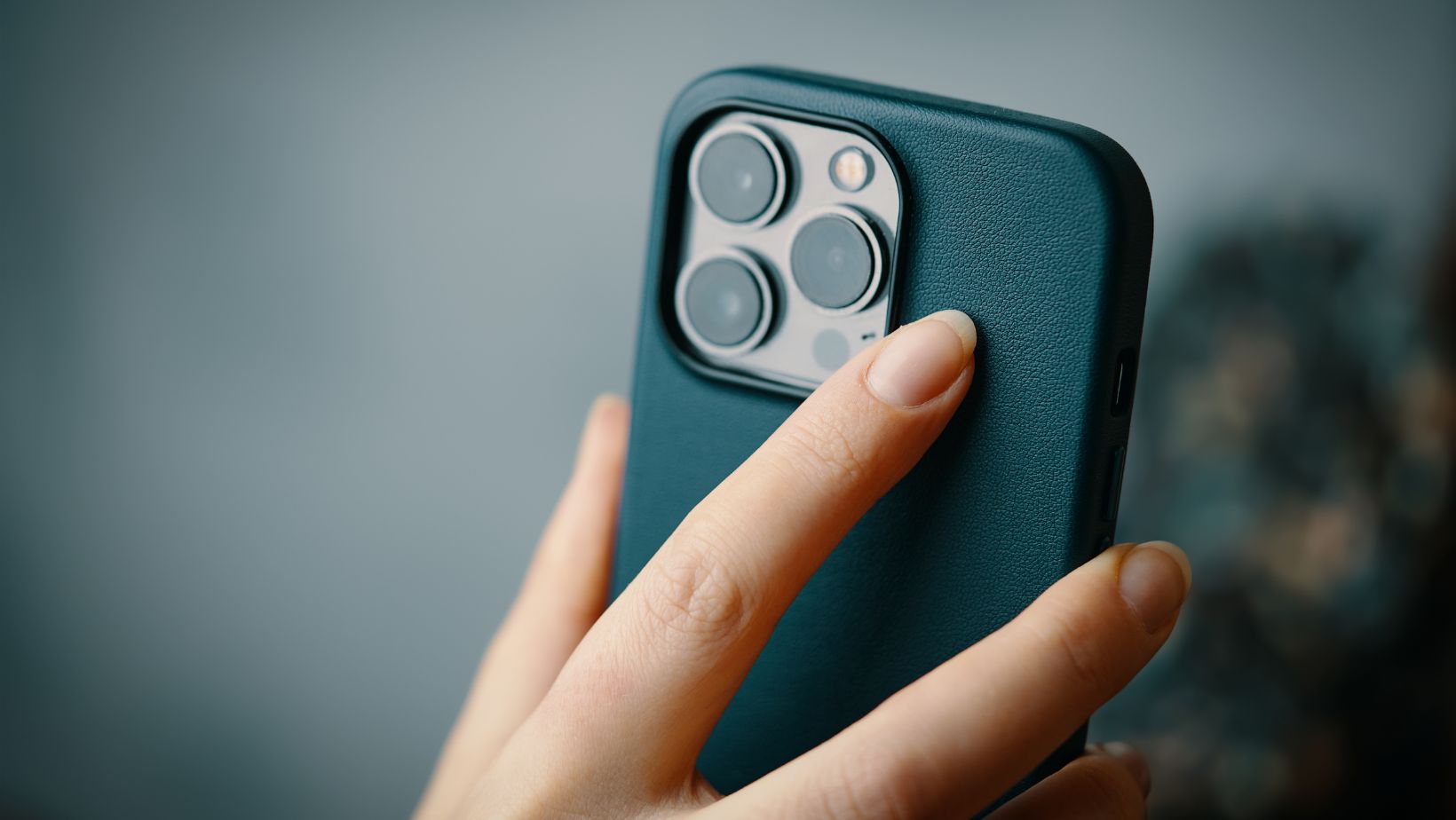
If you want 90% of the experience at a lower price, the iPhone 15 Pro line is still excellent:
- A17 Pro chip + 8 GB RAM
- 6.1″/6.7″ OLED with 120 Hz ProMotion, HDR, ~2000 nits peak
- iOS 17–18 and future Apple Intelligence features on-device
 For AI generators that run in the cloud, you will barely notice any difference compared to 16 Pro models in everyday use. The main downsides:
- Slightly smaller displays,
- A bit less future-proof in terms of long-term OS support,
- Sometimes weaker battery life under heavy 5G + screen-on usage.
If you’re trying to be smart with budget, 15 Pro / Pro Max are often the sweet spot: still high-end screens and chips, but cheaper second-hand or on sale.
Solid Mid-Range: iPhone 13 Pro / 14 / 14 Plus
For most NSFW AI image usage, even slightly older devices are completely fine, especially if you’re only using web-based generators.
Good mid-range picks:
- iPhone 13 Pro / 13 Pro Max
- OLED with 120 Hz ProMotion
- A15 Bionic, 6 GB RAM
- Still plenty of power for browsing and high-res image viewing.
- iPhone 14 / 14 Plus
- OLED 60 Hz (no ProMotion on non-Pro), but good brightness and colour.
- A15 Bionic (but with extra GPU core vs 13 non-Pro), 6 GB RAM.
What you actually notice:
- On 60 Hz screens, scrolling big galleries feels a bit less “buttery” than on ProMotion models, but most people adapt quickly.
- Generation time for server-side images is dictated by the remote GPU and your connection, not the iPhone chip, so you mainly see UI smoothness, not rendering speed differences.
If you already have a 13 Pro or 14, you don’t need to upgrade just for AI images. Spend the money on storage or a better data plan instead.
Minimum Sensible: Anything That Runs iOS 16 Smoothly
Most AI image apps on the App Store want at least iOS 15.6–16.0, and AI art tools like Leonardo explicitly require iOS 16+.
That roughly means:
- iPhone XR / XS and newer can run some generators,
- iPhone 11 and up are comfortable,
- iPhone 12 and up are ideal for modern web apps thanks to 5G and decent screens.
On these older models you’ll notice:
- Slower app switching if you keep many Safari tabs open,
- More frequent refreshes when switching back to the browser,
- Possible thermal throttling (phone warms up and slows) under long sessions, especially on 5G.
If you’re on an XR / 11 and the phone still feels fine in daily use, you can absolutely use NSFW generators. Just don’t expect the ultra-smooth feel or battery endurance of a brand-new Pro device.
Other Things That Matter More Than You Think
1. Storage & file management
Huge galleries eat storage. Practical tips:
- Aim for 256 GB or more if you like keeping lots of images locally.
- Use Albums and Hidden album in Photos if you’re sharing your device.
- Consider offloading older sets to encrypted cloud or a Mac.
2. Network speed
The AI itself usually runs in the cloud. So:
- Good Wi-Fi 5/6 beats weak 5G every time for stability.
- If you’re on mobile data, newer iPhones with efficient modems handle long sessions without getting as hot.
3. Privacy & security
NSFW + cloud = think before you tap:
- Use Face ID and a strong passcode.
- Disable previews of sensitive apps in the app switcher if you often hand your phone to others.
- Assume anything that exists only on a third-party server is not 100% under your control — download what you really care about and delete from the service if possible.
4. Battery management
No matter which iPhone:
- Turn down screen brightness a bit; OLEDs still look great at 50–70%.
- Prefer Wi-Fi over 5G when you can.
- On older devices, a battery replacement can feel like a full upgrade for this use case.
Quick Summary by Category
- Best overall:
Latest Pro models (16 Pro / Pro Max and successors) – stunning OLED, 120 Hz, big batteries, tons of power. Overkill in a good way. - Best value:
15 Pro / Pro Max – almost as smooth, often cheaper, still fantastic for AI art and NSFW generators. - Good mid-range:
13 Pro / 14 / 14 Plus – solid screens, enough power; you don’t need to upgrade just for this. - Minimum practical:
Anything that runs iOS 16 comfortably (11 / 12 / XR and newer). It will work; you just give up some smoothness and battery life.
In the end, a NSFW girl generator doesn’t care about brand names – it cares about screen, speed, storage and signal. If your iPhone ticks those boxes, it will handle the job. The rest is about how nice you want the experience to feel and how long you want that device to stay comfortable as AI image tools keep evolving.
